

How to test a connected safe’s access history at handover
A handover checklist for testing a connected safe: verify the event history, review who can see it, and plan what to do when the manager changes phones.

Huy Quý Lê
Author & Contributor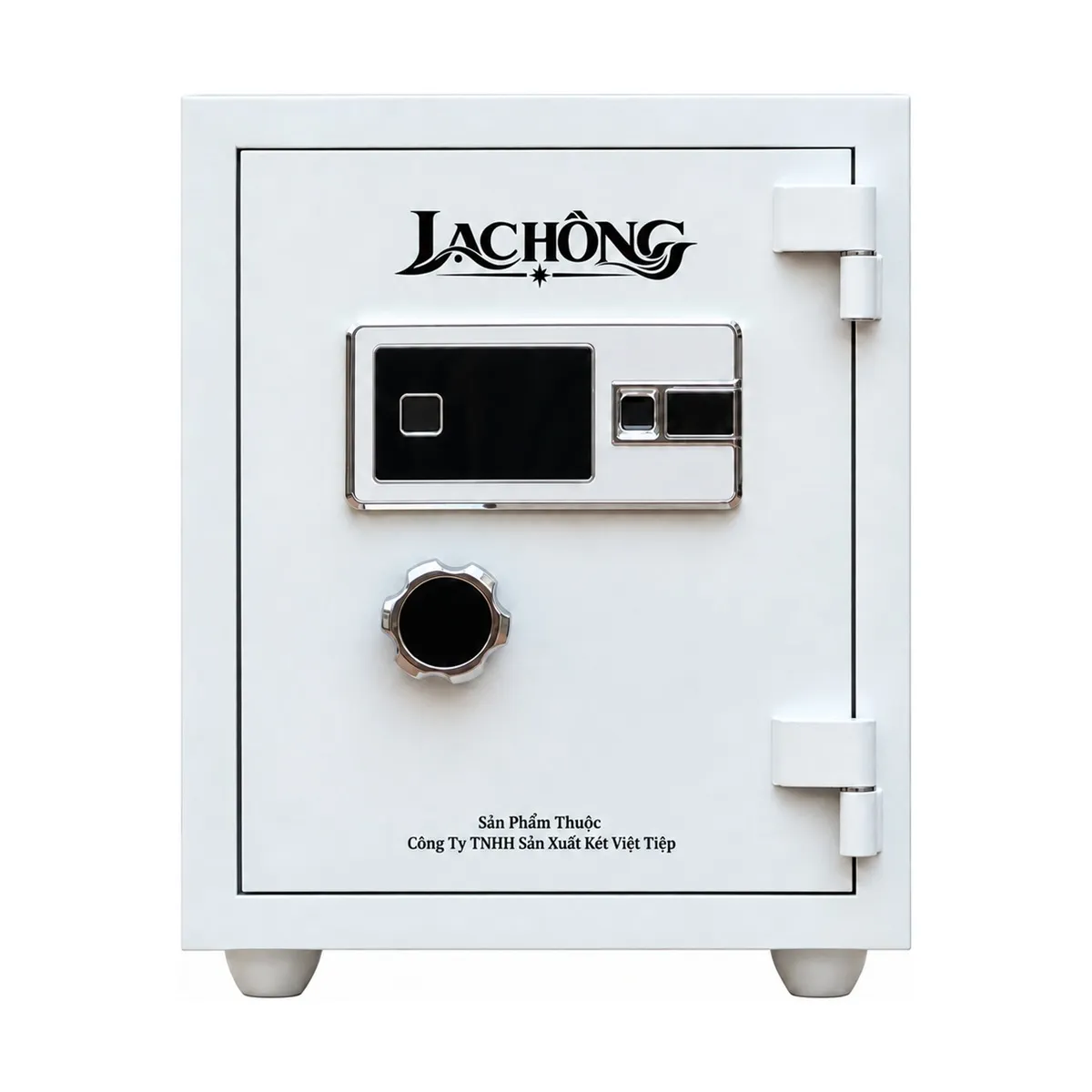
Prepared by Két Sắt Lạc Hồng, a safe manufacturer in Vietnam.
A connected safe can show an opening event in an app. The useful question at handover is what the event tells you and who can see it. A shop manager may only need to check the time of the last opening, while the person who sets up the safe may also need to manage access. Agree on these roles before the installer leaves.
Test with the person who will manage the safe
Have the installer demonstrate one normal opening on the unit you are receiving. Then check what appears on the phone you plan to use. Confirm whether the event includes a timestamp and how the app behaves when the phone is briefly offline. If more than one person will use the safe, ask which permissions they need for everyday access and which should stay with the manager.
Ask what happens when a phone is replaced
Record the support contact and the model name in your handover notes. Ask where to find the steps for transferring access if a manager leaves or replaces a phone. Keep opening codes and backup credentials separate from those notes. For an example of a model that combines fingerprint access, touch keypad and app connectivity, see the Lạc Hồng KE54 Pro specifications. Confirm the exact functions on the unit and phone you will use.