

How AI Automation Is Changing Small Business in 2026
AI automation is changing how small businesses handle marketing, customer service, sales, and daily operations. Learn how businesses can use AI to automate repetitive tasks, improve productivity, and save valuable time. This practical guide explains where to start with AI automation without unnecessarily complicating your business.

Tanvi Ladva
Author & Contributor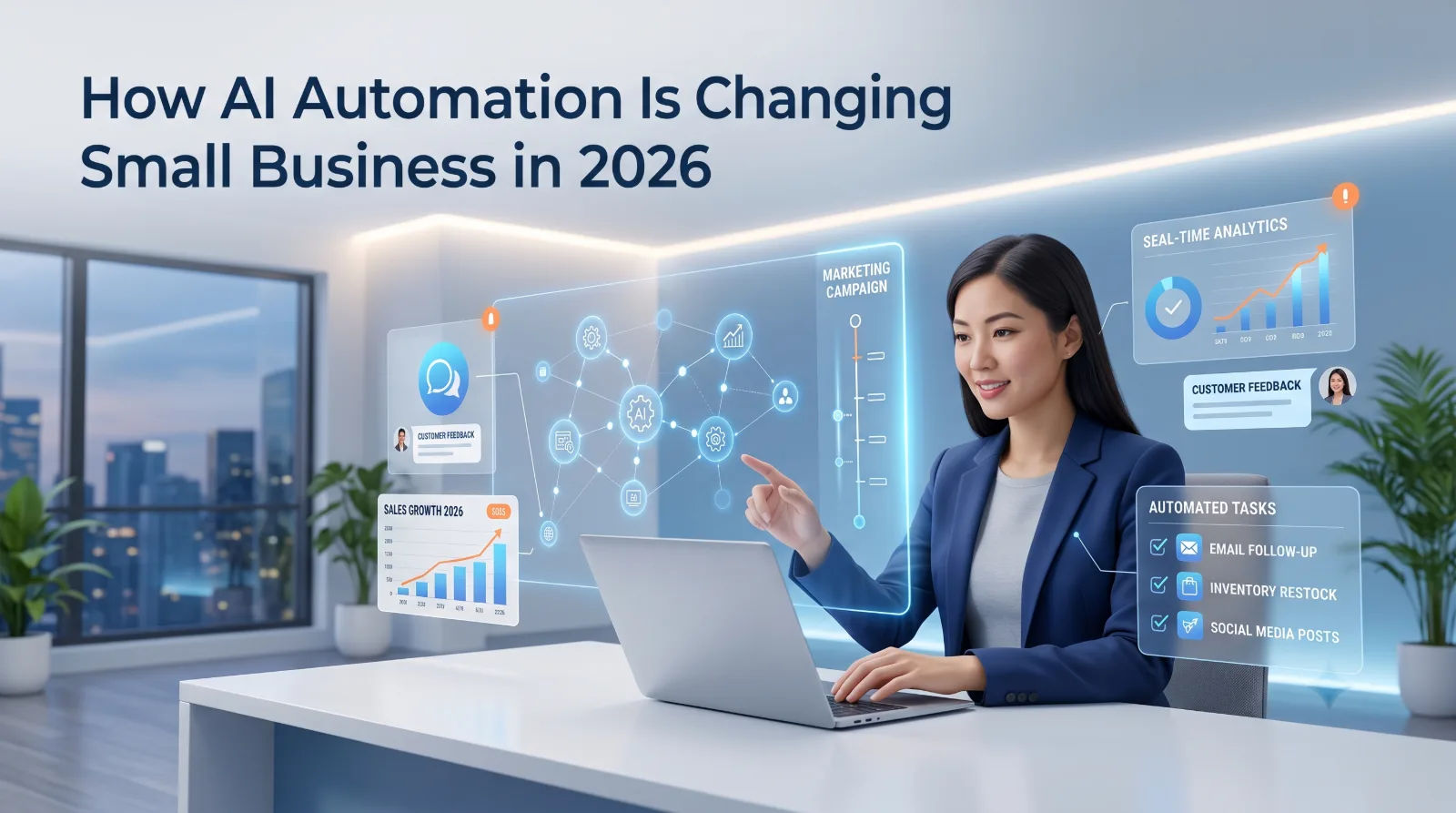
How AI Automation Is Changing Small Business in 2026
Running a small business often means doing several jobs at once. Business owners may handle marketing, customer support, sales, administration, content creation, and daily operations themselves. AI automation for small business is changing this model by helping teams handle repetitive work faster and focus more time on tasks that require human judgment.
In 2026, artificial intelligence is moving beyond experimentation. Businesses are increasingly exploring practical uses for AI in customer communication, marketing, productivity, analytics, and workflow automation. IDC describes small and medium-sized businesses as moving toward more strategic AI adoption, particularly where technology can provide measurable business value.
But adopting AI does not mean replacing every existing process with an AI tool. The most useful approach is to identify repetitive or time-consuming tasks and determine where automation can genuinely improve the workflow.
What Is AI Automation for Small Business?
AI automation combines artificial intelligence with automated workflows to complete tasks that would otherwise require manual effort.
Traditional automation usually follows predefined rules. AI automation can work with information that is less structured, such as customer messages, documents, written content, images, or business data.
For example, a business could use AI to:
Draft responses to common customer questions
Summarize meetings and documents
Generate initial marketing content
Organize customer inquiries
Analyze business data
Create product descriptions
Assist with lead qualification
Automate repetitive administrative tasks
The goal is not simply to use AI because it is popular. The goal is to make a specific business process faster, more consistent, or easier to manage.
Why Are Small Businesses Adopting AI?
Small businesses often operate with limited time, employees, and resources. A repetitive task that takes 30 minutes every day can become a significant workload over an entire year.
AI can help businesses handle some of these tasks more efficiently.
Recent research from the Federal Reserve Bank of San Francisco found that nearly 40% of small-business respondents in its 2024 Small Business Credit Survey reported either using or planning to use AI. Reported applications included productivity, marketing, customer service, analytics, written communication, and visual content creation.
This shows that AI adoption is not limited to software companies. Small businesses across different industries can use AI for practical everyday activities.
Where Can Small Businesses Use AI Automation?
1. Customer Service
Customer questions can consume a large amount of employee time, especially when the same questions appear repeatedly.
AI-powered customer-service systems can help answer frequently asked questions, organize inquiries, and provide initial responses. Human employees can then handle complex or sensitive situations.
For example, an online store could automate answers about:
Shipping information
Product availability
Return policies
Order instructions
Frequently asked questions
This creates a faster first response while keeping humans involved when necessary.
2. Marketing and Content Creation
Marketing requires a constant flow of content. Businesses may need social media posts, email campaigns, product descriptions, blog ideas, and promotional material.
AI can assist with the first stages of this work.
A marketing team could use AI to brainstorm campaign ideas, create content outlines, summarize research, or generate first drafts. Human review remains important because businesses need accurate information and a consistent brand voice.
AI should be treated as a productivity tool rather than a replacement for creative strategy.
3. Sales and Lead Management
Sales teams frequently spend time organizing leads and following up with potential customers.
Automation can help organize incoming inquiries, summarize customer conversations, identify potential leads, and create follow-up reminders.
For example, when someone submits a business inquiry, an automated workflow could collect the information, categorize the request, and notify the appropriate team member.
The salesperson can then spend more time actually talking to the customer.
4. Administrative Tasks
Many business processes are repetitive.
Invoices, documents, spreadsheets, emails, reports, meeting notes, and internal communication can all create administrative workload.
AI-powered tools can help summarize information, extract important details, organize documents, and prepare drafts.
This does not eliminate the need for employees to review important information. Instead, it can reduce the amount of manual work required before a decision is made.
5. Data Analysis
Business owners have access to more data than ever, but raw data is not always easy to understand.
AI tools can help identify patterns, summarize reports, and turn large amounts of information into easier-to-understand insights.
For example, a business could analyze sales data to identify:
Best-performing products
Changes in customer demand
Sales patterns
Frequently purchased products
Potential operational problems
Business decisions should still be based on verified data and appropriate human judgment.
How to Start With AI Automation
Businesses do not need to automate everything at once.
A better approach is to start with one specific problem.
Step 1: Identify Repetitive Work
Write down tasks your team performs repeatedly every day or every week.
Examples include answering similar emails, preparing reports, entering information, creating routine content, or organizing customer inquiries.
Step 2: Measure the Current Process
Before automating something, understand how much time it actually takes.
Ask:
How frequently does this task happen?
How many employees are involved?
How long does it take?
Does it frequently cause errors?
Does automation create a meaningful improvement?
This prevents businesses from adopting technology simply for the sake of adopting technology.
Step 3: Choose the Right AI Tool
Different problems require different solutions.
A chatbot may be useful for customer questions, while a document-processing tool may be better for administrative work.
The most expensive or advanced tool is not automatically the right choice.
Step 4: Keep Humans in the Loop
AI-generated information should be reviewed when accuracy, privacy, finances, legal matters, or customer trust are involved.
Human oversight is particularly important when automated systems can make decisions that significantly affect customers or employees.
Step 5: Measure the Results
After implementing automation, compare the process before and after.
Useful measurements can include:
Time saved
Response time
Error rate
Customer satisfaction
Employee workload
Number of completed tasks
If the process does not improve, the workflow should be adjusted rather than assuming that AI is automatically beneficial.
What Are the Risks of AI Automation?
AI automation also introduces new challenges.
Businesses need to think about data privacy, cybersecurity, inaccurate AI-generated information, employee training, and access controls.
Cybersecurity is becoming especially important as businesses introduce AI into everyday workflows. Gartner identified AI-agent security and governance as major cybersecurity concerns for 2026.
Businesses should therefore avoid putting sensitive customer or company information into AI tools without understanding how that information is handled.
Clear internal policies can help employees understand:
Which AI tools they are allowed to use
What information should not be entered
When AI-generated content must be reviewed
Who is responsible for automated decisions
How business accounts and access should be protected
Is AI Automation Only for Large Companies?
No.
One of the biggest changes in the current AI landscape is that smaller businesses can access many AI capabilities without building their own artificial-intelligence systems.
AI can support businesses such as:
Freelancers
Online stores
Restaurants
Agencies
Consultants
Local service providers
Startups
Professional firms
The important question is not whether a company is large enough to use AI. The more useful question is whether there is a genuine business problem that AI can help solve.
The Future of AI Automation for Small Business
AI automation is likely to become increasingly integrated into everyday business software.
Instead of using AI as a separate tool, businesses may encounter AI features directly inside customer-service platforms, accounting systems, marketing software, project-management tools, and e-commerce platforms.
At the same time, businesses will need to become more selective.
Recent business analysis emphasizes that successful AI adoption should focus on measurable improvements rather than simply deploying AI everywhere.
That means the future of AI automation may not be about having the most AI tools. It may be about building smarter workflows around real business needs.
Frequently Asked Questions
What is AI automation for small business?
AI automation uses artificial intelligence and automated workflows to handle repetitive business activities such as customer communication, content creation, data processing, and administrative work.
How can a small business use AI?
Small businesses can use AI for customer service, marketing, sales support, content creation, data analysis, document processing, and other repetitive workflows.
Can AI automation replace employees?
AI can automate certain tasks, but it does not automatically replace the need for employees. Human judgment, creativity, communication, and oversight remain important, particularly for complex business decisions.
Is AI automation expensive?
The cost varies depending on the tools and complexity of the workflow. Businesses can begin with a small use case instead of investing in a large automation system immediately.
What should a business automate first?
Start with repetitive, time-consuming, and relatively low-risk tasks. Customer FAQs, routine reports, content drafts, scheduling, and basic administrative workflows can be potential starting points.
Is AI automation safe for business data?
It depends on the AI service, configuration, and type of information being processed. Businesses should review privacy policies, access controls, security practices, and internal data-handling rules before using AI with sensitive information.
Conclusion
AI automation for small business is becoming a practical way to improve everyday operations. From customer service and marketing to sales, administration, and data analysis, AI can help businesses reduce repetitive work and give teams more time to focus on meaningful tasks.
However, successful automation is not about adding AI to every part of a business. It starts by identifying a genuine problem, choosing an appropriate solution, maintaining human oversight, and measuring the results.
For small businesses in 2026, the opportunity is not simply to use more AI. It is to use AI thoughtfully where it can create measurable value.
