

SQLite vs MySQL for Beginners: Which Database Should You Pick?
SQLite vs MySQL for beginners: learn the key differences, when to use each database, and which one is easier to start with. Simple, clear, and practical.
Priyanshi
Author & Contributor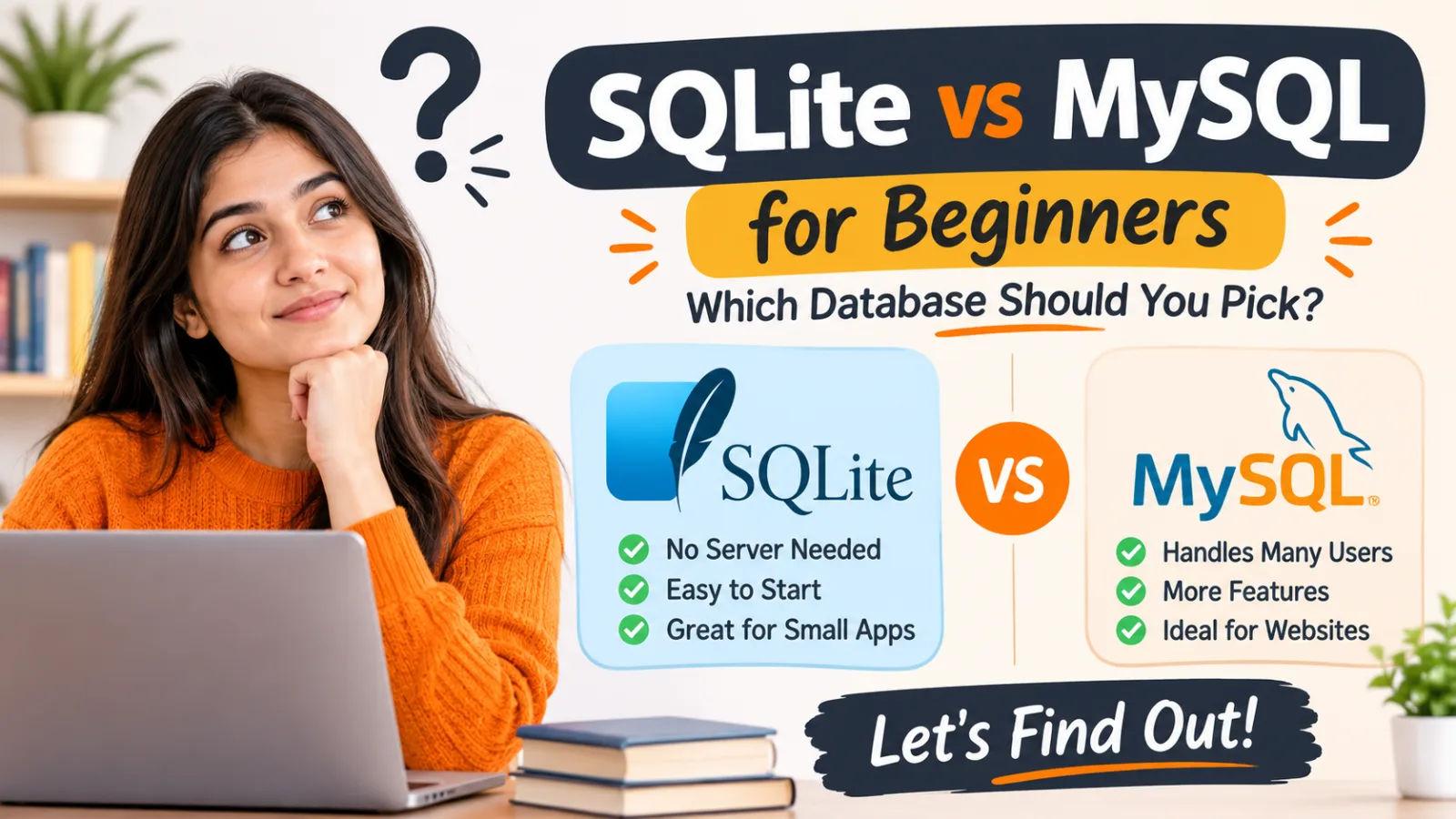
Introduction
You've decided to build an app or a website, and now you need a place to store your data. Then you hit a question: SQLite vs MySQL, which one should you use?
Both are popular. Both use SQL. But they work in very different ways. Picking the wrong one can slow you down or cause headaches later.
In this guide, we'll compare SQLite and MySQL in plain English. You'll learn what each one does, where each one shines, and which one fits your project.
What Is SQLite?
SQLite is a small database that lives inside a single file on your computer. There is no separate server to install or run. Your app talks directly to that file.
That's why people call it a "serverless" database. You don't set up users, ports, or passwords. You just create the file and start working.
SQLite is built into many tools you already use. Phones, web browsers, and desktop apps often use it behind the scenes. If you use Python, SQLite comes with it, so you can try it without installing anything extra.
What Is MySQL?
MySQL is a database server. It runs as a separate program, and your app connects to it, much like a website connects to a web server.
Because it is a server, MySQL can handle many users at the same time. It has user accounts, permissions, and tools for growing a large project. It is widely used for websites and web apps, and many popular platforms, such as WordPress, rely on it.
MySQL is open source, and it is owned and developed by Oracle.
SQLite vs MySQL: Key Differences
Let's look at the most important points.
1. Setup and Ease of Use
SQLite wins here. There is nothing to install in many cases and nothing to configure. You can go from idea to working database in minutes.
With MySQL, you need to install the server, create a user, create a database, and then connect to it. It isn't hard, but it is more work when you are just starting.
2. Performance and Multiple Users
For a small app with one user, SQLite is fast, often very fast. But it only lets one process write to the database at a time. If many people write data at once, things can slow down.
MySQL is built for this. It can handle lots of users reading and writing together, which is why it suits busy websites.
3. Security and Access Control
MySQL has user accounts and permissions. You can decide who can read, edit, or delete data.
SQLite has no user system. Whoever can open the file can read it. Protecting the data means protecting the file itself.
4. Data Types
MySQL is strict. If a column is meant for numbers, it expects numbers. SQLite is more relaxed and lets you store different kinds of values in a column. This is handy for quick projects, but it can let mistakes slip in.
5. Portability
An SQLite database is just one file. You can copy it, email it, or back it up like any other file. Moving a MySQL database takes a few more steps, like exporting and importing.
Advantages and Limitations
SQLite
Advantages
Very easy to set up
No server needed
One portable file
Great for learning SQL
Free to use
Limitations
Not built for many users writing at once
No built-in user accounts
Not ideal for large, busy websites
MySQL
Advantages
Handles many users at the same time
Built-in security and permissions
Works well for growing websites and apps
Large community and lots of tutorials
Limitations
Needs more setup
Takes more effort to manage
Can be too much for a tiny project
Who Should Use SQLite?
SQLite is a good pick if you are:
Learning SQL for the first time
Building a small personal project or prototype
Making a mobile or desktop app
Testing ideas before using a bigger database
Who Should Use MySQL?
MySQL is a better pick if you are:
Building a website with many visitors
Creating an app where lots of people log in and save data
Planning to grow your project over time
Working in a team that needs shared access to one database
So, Which One Is Better for Beginners?
For most beginners, SQLite is the easier place to start. You skip the setup and focus on learning how SQL works: tables, queries, and relationships.
The good news is that most of what you learn carries over. Basic SQL commands like SELECT, INSERT, UPDATE, and DELETE work in both. When your project grows, you can move to MySQL without starting your learning from zero.
Frequently Asked Questions
Is SQLite easier than MySQL?
Yes, for most beginners. It needs no server and almost no setup.
Can SQLite handle a real website?
It can work for small or low-traffic sites. For busy sites with many users writing data at once, MySQL is usually a better choice.
Is MySQL free?
MySQL has a free community edition. Oracle also offers paid commercial options.
Can I switch from SQLite to MySQL later?
Yes. It takes some work, since there are small differences in data types and syntax, but it is very doable. Starting with SQLite doesn't lock you in.
Do SQLite and MySQL use the same language?
Both use SQL, so the basics are the same. Each has a few features and rules of its own.
Conclusion
The SQLite vs MySQL choice comes down to your project. SQLite is simple, light, and perfect for learning and small apps. MySQL is a stronger fit for websites and apps that need many users and more control.
If you are just starting out, begin with SQLite. Learn the basics, build something small, and move to MySQL when your project needs it.