
Marina Slip Boards: Updating Berth Numbers on Dock Photos
How marina teams correct berth numbers and slip codes on dock-board photos for guest apps when a reshoot would miss the next arrival window.

Retypit Guide
Author & Contributor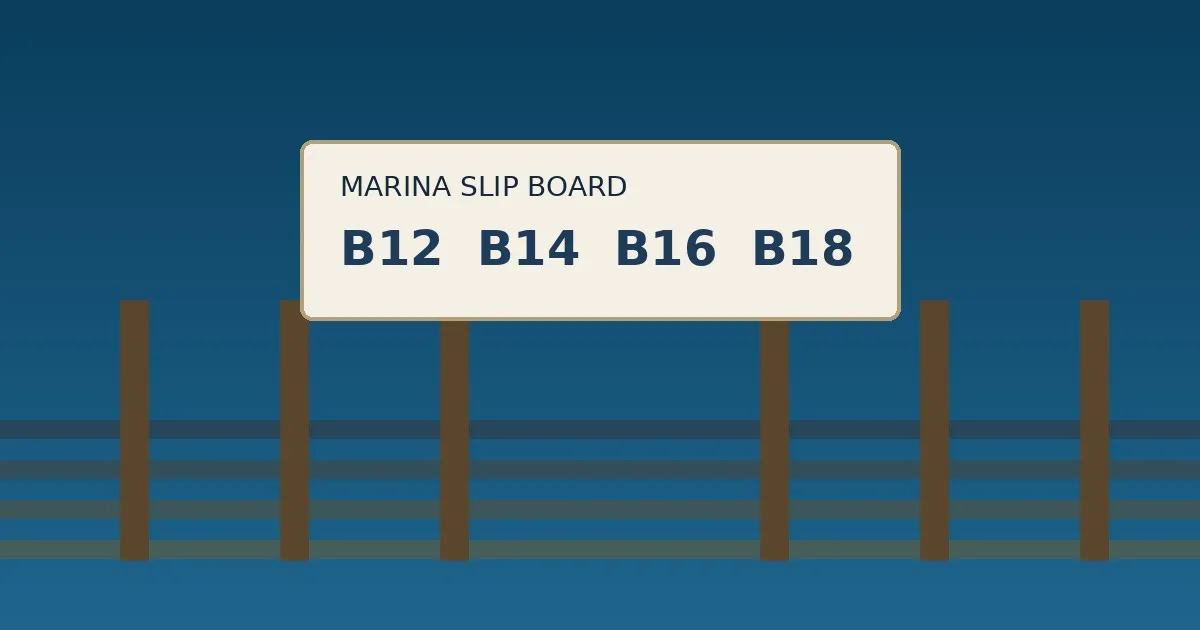
Marina slip boards look finished until a berth number is wrong. A dock board still showing last season’s assignment, a laminated slip card taped beside the gangway, a phone photo already sitting in the harbor-ops folder — those images travel into the guest app and the “slip status” notice. The pier lighting and board frame still look right. The berth numbers often do not. Yesterday’s reassignment or a mistyped slip code is still in the frame.
Reshooting the dock board is ideal when staff can reprint and remount before the next tide window. Many marina teams only have a phone photo of the finished board already filed in the ops drive. This guide is about correcting berth numbers and slip codes on those dock photos when a fresh capture would miss the guest-app push.
Why board copy moves faster than the dock photo
A marina slip-board photo does two jobs. One is place proof: the real pier, the salt air wash, the lettering style guests already expect when they check in. The other is berth truth: slip numbers, guest vs. seasonal lines, “closed for dredging” notes. Place proof rarely needs a new shoot every reassignment. Board text changes whenever you:
Shift a berth number after a mid-week guest move or seasonal swap
Fix a mistyped slip code or pier letter that already went into the guest app
Swap a “closed for dredging” or “transient only” line after a harbor update
None of that requires a full redesign or a fresh shoot every time. It requires new text in the same style as the lettering already in the image.
What usually fails when you edit the photo by hand
Solid paint-over + system font. You cover the old berth number with a white rectangle and type a new block. The fill rarely matches laminate glare or weathered board panels, and the font does not match the rest of the slip-board family.
Full generative redo. An image model can invent a cleaner pier, but it may also change neighboring cleats, wayfinding arrows or dock numbers that guests use as landmarks. Status screens that must show the real board cannot drift.
Reshoot after the reprint. Correct when staff can remount today. Slow when the only asset is a photo taken at open and the guest notice is due before the next arrival.
A narrower job is better: detect the existing text in the raster image, replace selected lines with what you type, and keep the surrounding scene as close as possible.
A browser workflow that matches that job
Retypit is built for editing existing text in images while using the original font, color and style as reference. It does not claim to identify commercial font names. You upload a JPG, PNG or WebP (up to 20MB), sign in, select numbered text lines, type replacements, run the edit, review the result, and download. No Photoshop or layered PSD is required.
A typical marina slip-board pass:
Crop so the berth block or slip-code line that needs fixing fills most of the useful frame when you can.
Open the upload zone and drop the file in.
Select only the lines that are wrong — berth numbers, slip codes, closed or transient notes.
Prefer replacements of similar length so the layout stays balanced.
Review at 100% zoom. The product FAQ notes that small changes elsewhere in the image can occur; check neighboring cleats, dock numbers and pier arrows before you publish.
Download and place the image into the guest app, harbor screen or marina notice.
Sign-in is required. New accounts receive one welcome credit. Each Edit text, Remove text or AI Image Editor run uses one credit. Credit packs exist; check the current account terms for pack details rather than assuming a price from an article.
To clear a temporary “SLIP B12 CLOSED — ASK OFFICE” sticky on the board instead of rewriting a line, use remove text from image. For broader scene notes on a harsh dock lighting photo, see the AI image editor. Preview steps under how it works (https://retypit.ai/#how-it-works). Features overview: features (https://retypit.ai/#features).
When this helps — and when it does not
Good fit: one or a few text regions on a finished dock-board photo; physical remount delayed; same pier look must stay recognizable in the guest app; you are clearing a same-day berth correction.
Poor fit: staff can photograph the corrected board in five minutes; the entire board kit redesigned; you need a stylized marina directory rather than a photo. Reshoot or rebuild in those cases. Weigh rebuild vs. edit under compare (https://retypit.ai/#compare).
Do not use this on official identity documents or images you lack permission to change. Keep berth claims honest — an edited slip-board photo is still a guest-facing claim when it reaches the app. Confirm numbers against the live marina roster before you publish.
Bottom line
Guests decide on the berth number on the slip board. The dock photo is often still valid when those codes are not. When you only need to change text on a marina slip-board photo, an in-place edit is usually less work than a rebuild — provided you review the download carefully and keep the claims accurate. See also use cases (https://retypit.ai/#use-cases) and the FAQ (https://retypit.ai/#faq).