
Crop an Image to a Specific Size Online Without Uploading
I did not have a photo problem that night. I had a size problem. I only worked that out after a form rejected the same passport photo three times, and I was sitting at my laptop at almost midnight, wondering what was wrong with a picture that looked perfectly fine to me.

Luck Boy
Author & Contributor
 The photo looked fine. The form said no three times — and the size was the problem, not the photo.
I did not have a photo problem that night. I had a size problem. I only worked that out after a form rejected the same passport photo three times, and I was sitting at my laptop at almost midnight, wondering what was wrong with a picture that looked perfectly fine to me.
It was meant to be a passport photo. I had taken it against the plain white wall in my room, with the light coming in from the window in the late afternoon. My face was clear. I thought I was done. The form wanted 413 by 531 pixels. Pixels meant nothing to me, and I kept guessing at sizes while the form kept saying no.
That night I learned the size was the job, not the photo. Two minutes, that is all it took, once I saw it that way, which was less time than I had spent being annoyed about it that night.
My first three tries went wrong
The first time, I opened my phone gallery and pinched the photo smaller with two fingers. It looked right on my screen. I uploaded it. The form said no. I thought I must have pinched it the wrong way, which is not really a thing, but that is where my head went at midnight.
The second time, I used a free app I had downloaded months ago and forgotten about. It let me crop, which was fine, except it saved the photo at a size it chose rather than the size I needed, and it added a small logo in the corner as well. I only saw the logo after I uploaded it. That felt silly, because the whole point was a clean passport photo, and there I was sending in a photo with a logo on it.
The third time, I asked my brother to help. My brother is the one who is good with this stuff, not me. He typed in numbers on his laptop and got it right in about a minute. I was grateful, and embarrassed too, and I did not want to keep asking him every time I needed a photo, so I told myself I would learn it that night, and I did.
After that night, I went looking for a way to crop image to specific size online, a tool where I could type the numbers in myself, because I was done hoping a slider would guess it. Not a slider that guesses. Not a preset that is close enough. Close enough is what had already failed me three times.
Why exact size matters so much
The first time, I thought the photo was the problem. The second no hurt more than the first, because I had taken the photo again, and it still was not good enough for the form. A form does not care how good you look, it only cares about the numbers, and if one number is wrong, it says no, and one wrong number stops you, no matter how good you look.
That passport photo taught me that. The form wanted 413 by 531 pixels. My first try was 500 by 600. It looked almost the same to me. I could barely tell the difference. To the form, it was a different photo. That took me a while to accept. A computer does not care about almost.
The same thing happens with social media, only there it is less obvious. Instagram does not reject your photo, it just crops it again, in a way you did not choose, and your head gets cut off. My first story came out with my head cut off, and I had to do it again, because I had cropped it by eye, and I did not know the right size then.
That is why I like it, because I decide what stays in the frame, and the site takes what I give it.
How I crop to an exact size now
Now I do it in my browser, the same way every time, opening the photo, typing in the size, moving the box, and saving it, and only the first step needs any thought at all.
I check the size the form wants and write it down, because I will forget it otherwise, I know myself by now. For my passport photo, I wrote 413 by 531 on a scrap of paper and stuck it next to my laptop. It sounds old fashioned. It is. But it stopped me from guessing, and guessing is what got me into trouble in the first place.
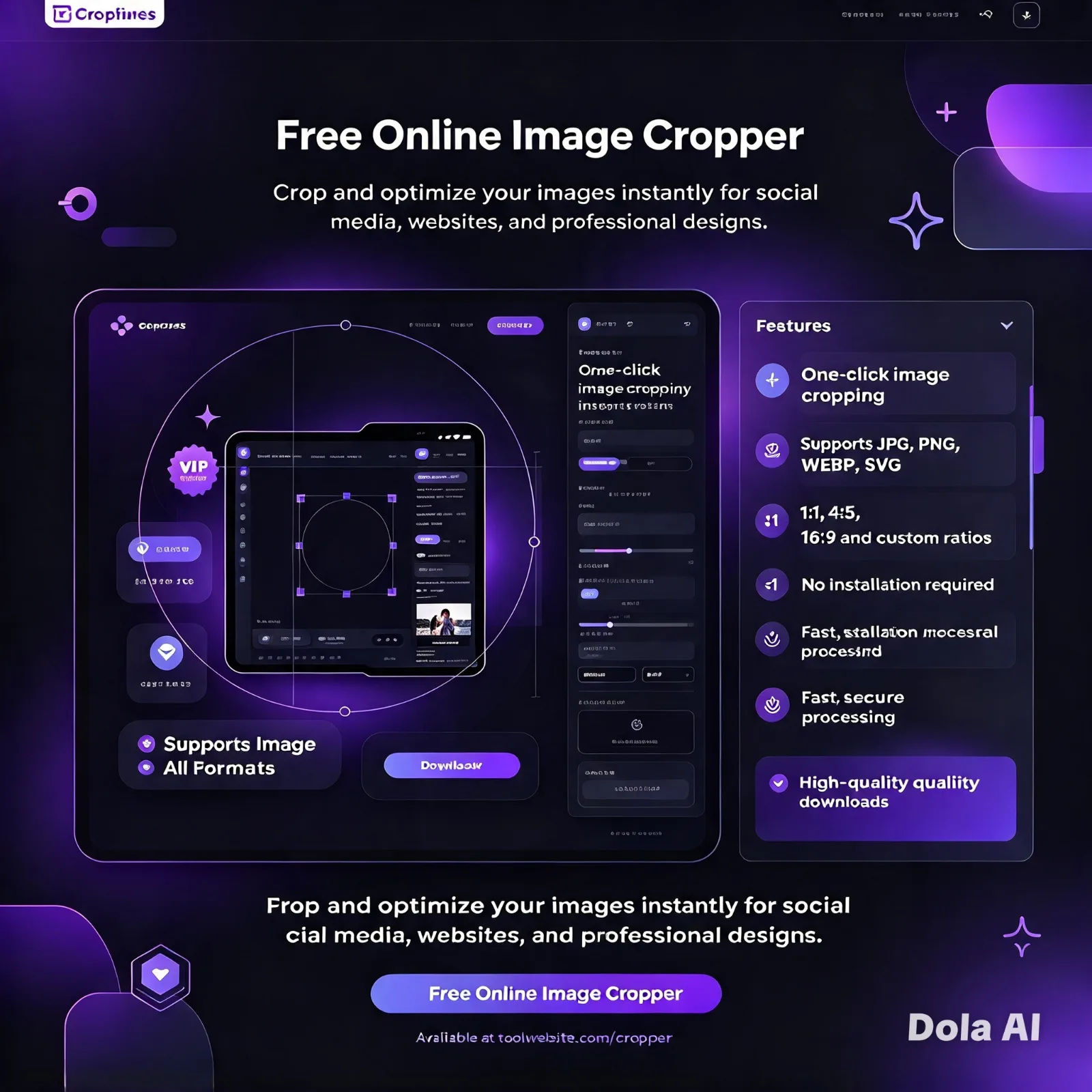
Then I open the photo in CropStudio. It is a free online image cropper and online photo cropper, and it works in my browser, which is what I wanted, because I did not want to install anything, not for this. There is no app to install and no account to make, because it works in the browser, so I drag the photo in, type 413 and 531 in the boxes, and the crop box changes shape. I can still move the box, up a little if my chin is too low, or left if my shoulder is in the way. The numbers stay the same, which is what I needed, because the numbers were the whole problem.
When the frame looks right, I save it. JPG for a passport photo, because most forms ask for JPG, and PNG for a logo, because JPG makes sharp edges look soft. I learned that after a small logo came out looking blurry, which is not what you want after ten minutes getting the size right.
My photo never leaves my computer, because the crop happens in my browser. I checked that once by turning off my Wi-Fi, and the crop still worked. I will not go into that test here, I wrote about it before, but it is why I trust this way of working now.
What sizes I use most
I keep a short list on my phone now, because I kept looking the same numbers up again and again, and I got tired of it. Here are the ones I use most, and I do not memorise them, I just check the list and move on.
The first one on my list is 413 by 531 pixels, and that is the passport photo size, and it is the one the form asked me for. It is the size I now remember without looking it up, which still surprises me, because I forget most numbers. The same passport photo is 35 by 45 mm in print. Some forms ask in mm, some ask in pixels. They mean the same photo, just in different units. That confused me for a long time, because I kept thinking they were two different sizes.
Then there is 1080 by 1080 pixels, which is an Instagram post, square, and this is the size I use when I want a photo to fill the square without Instagram cropping it for me, because Instagram will crop it for you if you let it and it will not ask you nicely first. And 1080 by 1920 is an Instagram story, tall, which is 9 by 16. It is easy to get wrong if you crop by eye, because tall photos are harder to judge on a small screen, I find.
Then there are ratios, which are shapes, not pixel sizes. 1 by 1 is a square. For video I use 16 by 9, and for a portrait post I use 4 by 5, and I just type the numbers in. I do not know much about photo editing, and that is fine, because the numbers do the work.
Does cropping ruin the quality
This was my biggest worry, and a fair one, because I thought cropping meant losing quality, since you are cutting part of the photo away. I even searched for how to crop image without losing quality, because I wanted a straight answer before I tried again, and I did not want to ruin a good photo by being careless with it.
What I learned was this. Cropping cuts away the edges, but the part you keep does not get worse on its own, and that surprised me, because I had expected the opposite. The trouble starts when you save a JPG again and again, because each save squeezes it more, or when you stretch a tiny photo big again, because that will look soft, and there is no way around that, you cannot make a small photo big.
So I follow two small rules now. My two small rules are to start with the best photo I have, not a screenshot of a screenshot, because a screenshot of a screenshot is already soft before you even start, and to save as PNG when I need sharp edges, and as JPG when a form asks for JPG, using the quality slider when I save and keeping it high unless a form asks for a small file, because a small file is usually a soft file and I would rather have a sharp one.
My passport photo still looks sharp after cropping. My Instagram posts look sharp too. The photo did not get worse.
Doing it on my phone
Yes, and I do it on my phone more than on my laptop now. I am usually out when I need a photo cropped, or I am sitting on the sofa and I do not want to open my laptop for a two minute job. That is a very human reason, and I am not going to pretend otherwise.
On my phone, I open the same free online image cropper in my browser, tap to pick the photo, type in the size, and drag the crop box with my finger. The box has handles on the corners, and I can move it with one thumb, and it is a little fiddly at first, the way anything is on a small screen, but after one try it feels normal. After two tries, you do not even think about it.
I cropped a LinkedIn photo on my phone last month, while I was waiting for a friend on a bench outside a shop, and I still got it right the first time, which surprised me, because I was not even at a desk. I do not want another app on my phone for a job I do once a month, I just want to do the job and move on with my day, and be done with it.
My routine now
I have a small routine now, and it saves me from the guessing I did that first night, because I check the size first and write it down, and my memory is good for some things and terrible for numbers, so I do not trust it with this. Then I crop a photo online in my browser and save it the same way, checking it once before I upload it, and it takes a minute, which is a lot better than getting rejected three times.
That is all I wanted from a tool, really. Not a big editor, and not a course in photo editing. Just a way to crop image to specific size online, without uploading my photo to a stranger's server, and without a watermark in the corner. If you have ever had a form say no to a photo that looked fine, check the size first. The photo was probably fine. The size was wrong. Fix the size, and the form usually says yes, and after three nos in a row, that yes felt good, and I will take it.
How do I get a photo to an exact size online?
Open a free online image cropper in your browser, open your photo, and type in the exact width and height you need, because guessing is how people end up redoing theirs, and I have been that person, then move the crop box until the part you want sits inside it and save the photo, with no app to install and no account to make.
Can I crop passport photo online free?
Yes, you can crop passport photo online free, as long as you know the size the form wants, and for many forms that is 413 by 531 pixels, or 35 by 45 mm, so type in those numbers, centre your face, and save it as JPG, and that is all there is to it.
Will cropping make my photo worse?
The part you keep does not get worse, because cropping only cuts away the edges, and the only thing that makes it worse is saving a JPG again and again, or stretching a small photo much bigger, so I start with a clear photo, save it once, and use PNG for sharp edges, and that is what I do now.
Can I crop image without uploading it?
Yes, if the tool works in your browser, because some tools send your photo to a server to crop it, while others let you crop image without uploading it at all, and your photo never leaves your device, and I use a tool that works this way, because I do not want my photos sitting on someone else's server, and I have not uploaded a photo to crop it in months.
What size is a passport photo in pixels?
It depends on the country and the form, so always check the form first, because I cannot guess your form for you, and a common size is 413 by 531 pixels, while in the US a passport photo is often 600 by 600 pixels, and in millimetres many passport photos are 35 by 45 mm, and the numbers look different, but they describe the same kind of photo, which is why people get confused, and I was one of them.
Can I crop a photo on my phone without an app?
Yes, you can, and I do it all the time now, opening a browser cropper on my phone, picking the photo, typing in the size, and dragging the crop box with your finger, and it works on iPhone and Android, with nothing to install, and I do this more on my phone now than on my laptop, which still surprises me a little, because I used to think photo editing was a laptop job.
Is cropping an image online really free?
No, a basic crop should be free. A free online image cropper should let you crop, resize, and save without an account and without a watermark, and if it asks you to sign up first, try a different one, because that is not really free, is it.
Next time, I will check the numbers first. That is what I do now, before I blame the photo.